Denver · reference
Wolf Error Codes and Display Faults, Explained in Denver
A display fault is an appliance reporting a measurement its control did not accept. It is not a diagnosis and it is not a verdict on the machine: it names the circuit that disagreed with the control, and the same words mean different things across Wolf generations. Wolf Repair Service Denver reads it against the model before quoting anything — (303) 801-0060.
Which is why nothing here is presented as a table of numbers. Every entry is named for the state you can see — a locked door, a flashing zone, a padlock, a blank panel — and a code number appears only where it has been checked against Wolf's own documentation for that generation and is printed scoped to it.
Five families
Start with the appliance that is talking
-
Oven display faults
Sensors, fans, the latch and the control behind the oven cavity.
- Wolf Oven Door Lock Fault (ERR 01 on legacy dual fuel)
- Wolf Oven Temperature Sensor Fault
- Wolf Oven Never Finishes Preheating
- Wolf Oven Probe Error
- Wolf Oven Cooling Fan Fault
- Wolf Oven Over-Temperature Shutdown
- Wolf Oven Keypad or Stuck-Key Fault
- Wolf Oven Control Communication Fault
- Wolf Self-Clean Will Not Start
9 readings published
-
Induction cooktop displays
Zones that flash, quit, beep or show nothing at all.
- Wolf Induction Zone Flashing, No Pan Detected
- One Wolf Induction Zone Shows Nothing
- Wolf Induction Overheat Shutdown
- Wolf Induction Cooling Fan Fault
- Wolf Induction Supply Voltage Fault
- Wolf Cooktop Beeps After a Spill on the Controls
- Wolf Hot-Surface Indicator Stays Lit
7 readings published
-
Steam oven messages
Water in, water out, and the scale the water leaves behind.
- Wolf Steam Oven Descale Prompt
- Wolf Steam Oven Fill or Water Tank Message
- Wolf Steam Oven Will Not Drain or Make Steam
3 readings published
-
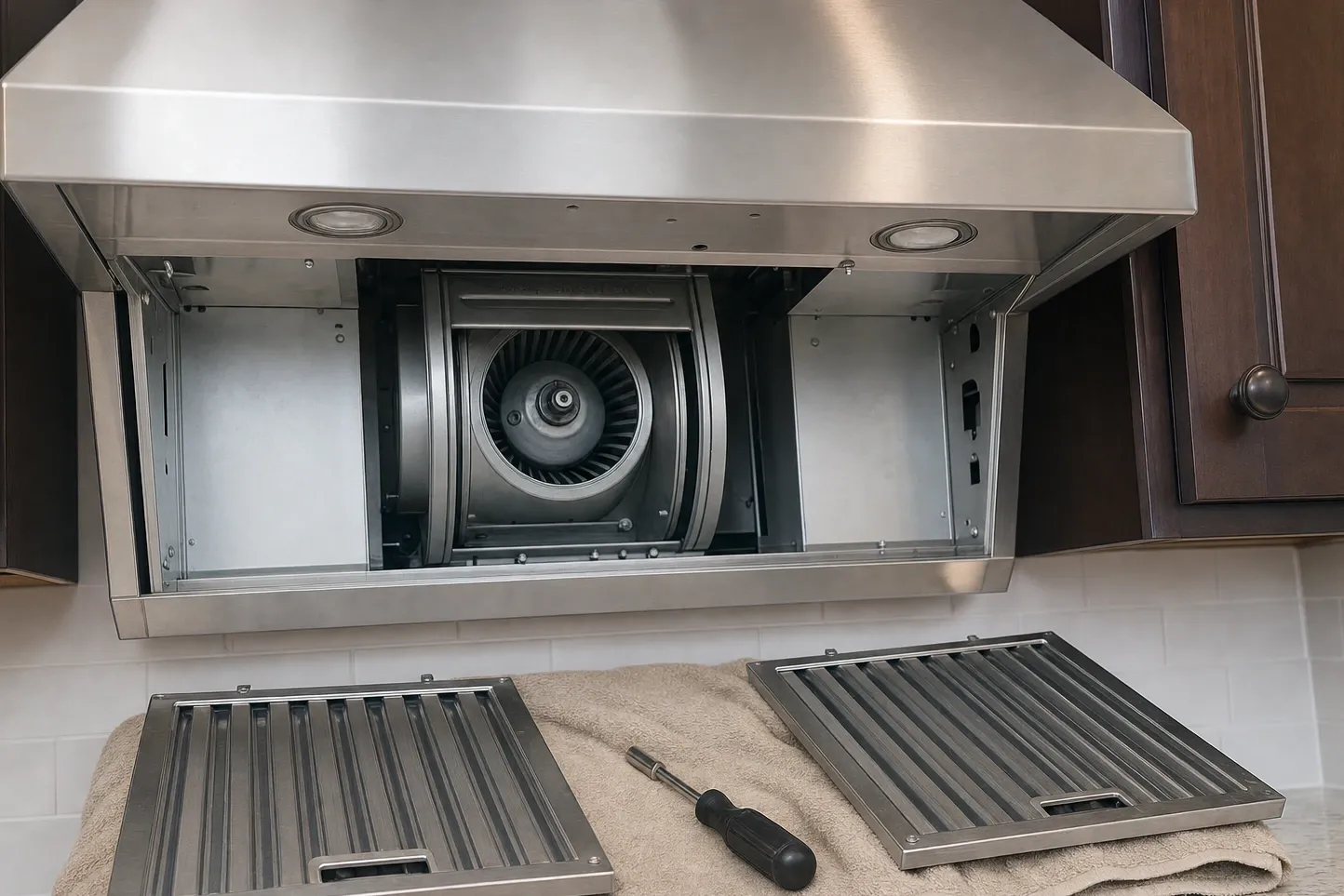
Hood lights and indicators
Filter reminders, heat response and controls that stop answering.
- Wolf Hood Filter Indicator
- Wolf Hood Starts or Speeds Up by Itself
- Wolf Hood Controls Blink and Ignore Input
3 readings published
-
Lockouts, modes and power states
Padlocks, Sabbath, showroom mode and everything a power cut leaves behind.
- Wolf Control Lock: the Padlock Icon
- Wolf Display After a Power Outage
- Wolf Display Blank, Panel Dead
- Wolf Clock Flashes and Will Not Set
- Wolf Oven Stuck in Sabbath Mode
- Wolf Oven in Showroom Mode: Lights On, No Heat
6 readings published
$89 service call
Read the state, then tell us the model.
The model number from the plate and what the panel is showing is enough to book. Wolf Repair Service Denver answers 24/7 on (303) 801-0060; the $89 visit fee comes off the repair you approve.